
- Type
- News
- Published
- October 16, 2026
- Updated
- October 20, 2026: next screening date added
- Office
- Office of the Punong Barangay
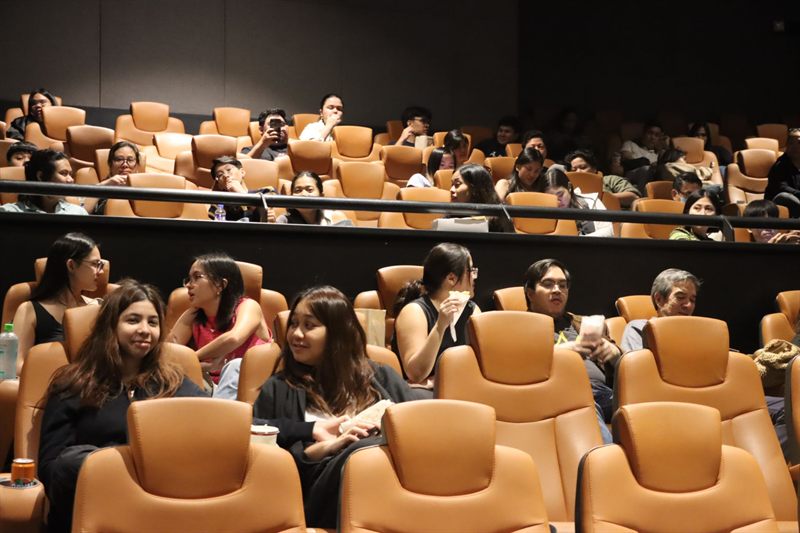
The barangay's free movie screenings are open to every resident. Seats are limited, so they are reserved online in advance. Registering takes about two minutes on a phone, and nothing is paid, online or at the door.
Booking a seat, step by step
- Find the screening on the events page. Each one shows the date, who may register, how many places are left and the deadline.
- Sign in with your free account. Your name and contact details are filled in for you.
- Choose your seats: up to four, for you and the people coming with you. You can ask for a wheelchair space or a seat near the aisle.
- Keep your reference number. It starts with EVT and is shown on screen and in My Account.
On the day
Show your reference at the door, printed or on your phone, with an ID for the person who registered. Arrive ten minutes early: seats not claimed by the start time go to people on the waitlist who are at the door.
When a screening is full
Join the waitlist. You get your own reference, starting with WL, and your position. If someone cancels, the place is offered to the next person in My Account, to accept within 24 hours.
If you can't come
Cancel your registration so somebody else can have the seats. Use your reference number on the check or cancel page, or, if you are signed in, open Events and pets in My Account.